

It’s now easier to sell an SMA and reweight your client’s portfolio in one step
We’ve enhanced our reweight functionality to make it easier to submit an SMA Sell All from the reweight panel. This means you can sell all of an SMA and reweight your client’s portfolio in one step – saving you time in supporting your clients.
How to submit an SMA Sell All from the reweight panel
1. Enter 0.00% for the SMA you want to sell all
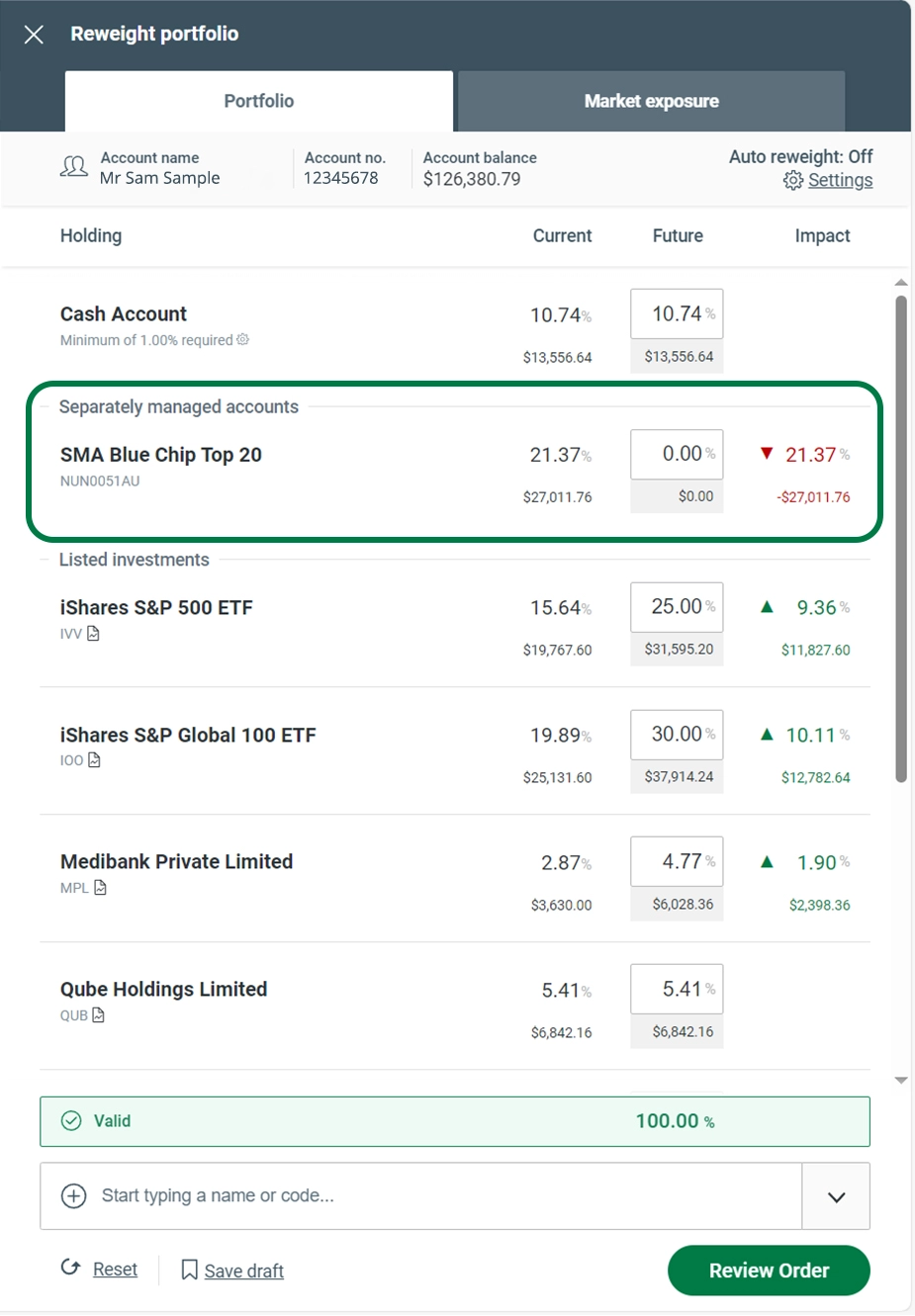
2. Select ‘Sell All’ on the pop up screen.

3. Balance reweight with desired holdings and submit as usual (see the How to switch and reweight for full instructions).
